
Purchasing Assistant: Month-End Accruals Without the Spreadsheet

At every month-end, accounting has to work out which expenses were incurred but not yet invoiced. Most teams do it in a spreadsheet, one purchase order at a time, and chase budget owners by email. The Purchasing Assistant does the calculation for every purchase order line, shows the proof behind each number, and collects the budget owner's confirmation in the same screen.

Who It Is For
Controllers, accountants who own the accruals process, purchasing managers and budget owners in companies that buy through purchase orders: software subscriptions, cloud infrastructure, hardware, professional services.
How the Accrual Is Calculated
A fixed-fee purchase order line is spread evenly over its months, from start date to end date. Expected to date is the amount for the months that have passed.
A usage-based line, such as cloud usage, takes what was invoiced plus an estimate for months not yet invoiced, based on the average of the last three invoices.
A one-time purchase is expected in full once its month has started.
Accrual needed is expected to date less invoiced to date. When the vendor billed in advance, the difference is shown as prepaid and nothing is accrued.

What You Can Do in It
See accruals by vendor or by budget item, for any closing month, and open any row down to the purchase order line and its invoices.
Adjust an accrual with a required reason, and record the budget owner's confirmation with name, date and amount.
Preview the accrual journal entry, with a warning when lines are still unconfirmed.
Budget Control: purchase orders projected to end above their amount, before it happens.
PO Status: orders invoiced above their amount, ended with a balance open, without an invoice, or up for renewal.
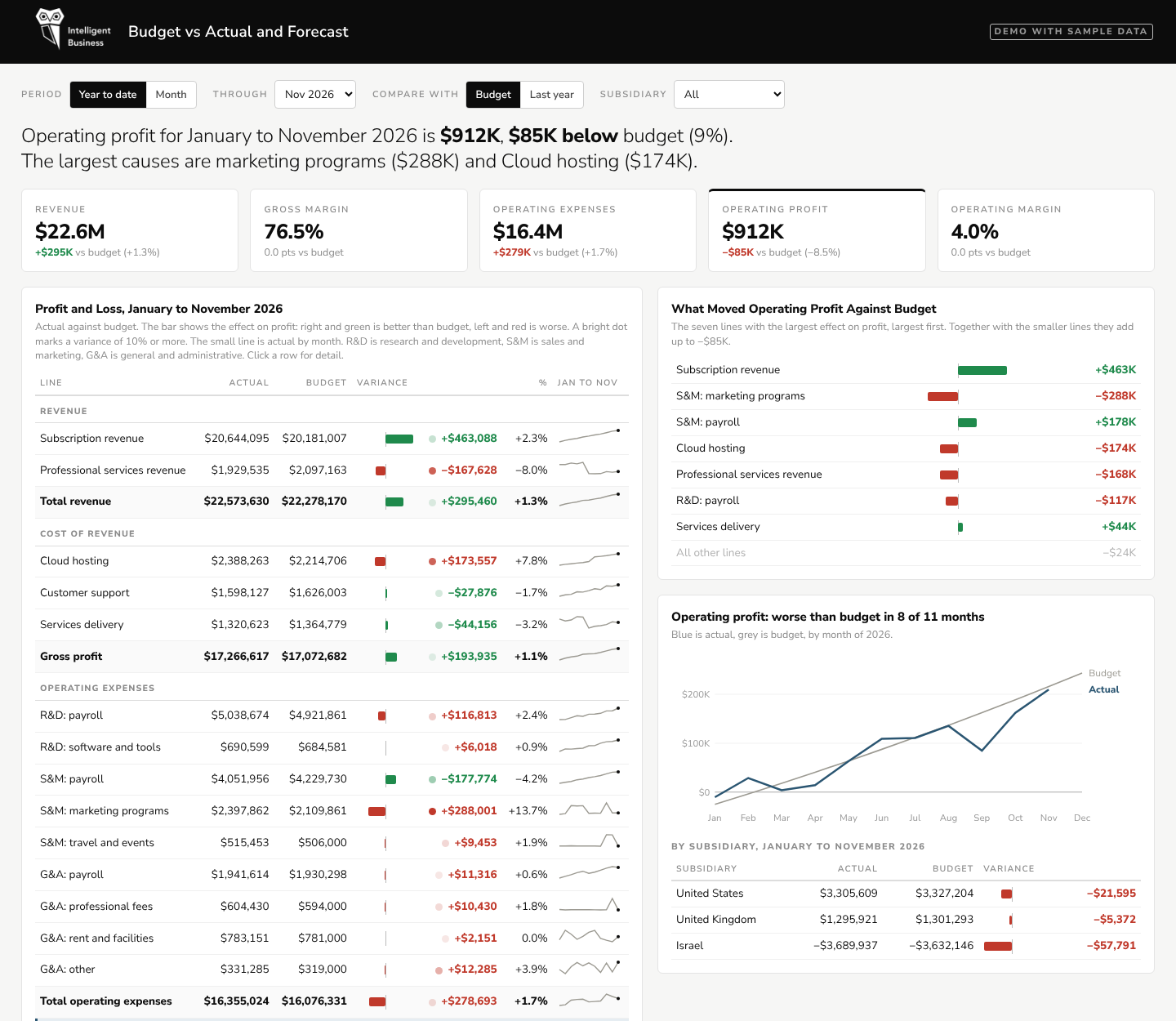
Budget vs Actual: by budget item and owner, to date and as a full-year forecast.

How It Connects to Your Systems
The demo runs on sample data. In a project, purchase orders, invoices and budgets come from your ERP, and confirmations, adjustments and comments are written back. We build on the data model you already have, so the numbers match your books.
Want to try the live demo? Request demo access by writing to demos@ibusinessbi.com.
Frequently Asked Questions
How do you calculate an accrual from a purchase order?
Spread the line amount evenly over the months of the order, take the cumulative amount to the closing month, and subtract the invoices received. A positive difference is the accrual.
How do you accrue usage-based cloud costs such as AWS or Snowflake?
An even spread is wrong for usage. The assistant accrues the months not yet invoiced at the average of the last three invoices, and the budget owner can replace the estimate with a better figure.
What happens when a vendor bills a full year in advance?
No accrual is needed. The assistant shows the amount billed ahead of the service period as prepaid.
Who confirms the accruals?
Each purchase order line has a budget owner. The owner confirms or disputes the amount for that close, and a changed amount resets the confirmation.
Can it work with our ERP?
Yes, when the ERP holds purchase orders and vendor invoices. We connect to the ERP's data rather than replace it.
Comments